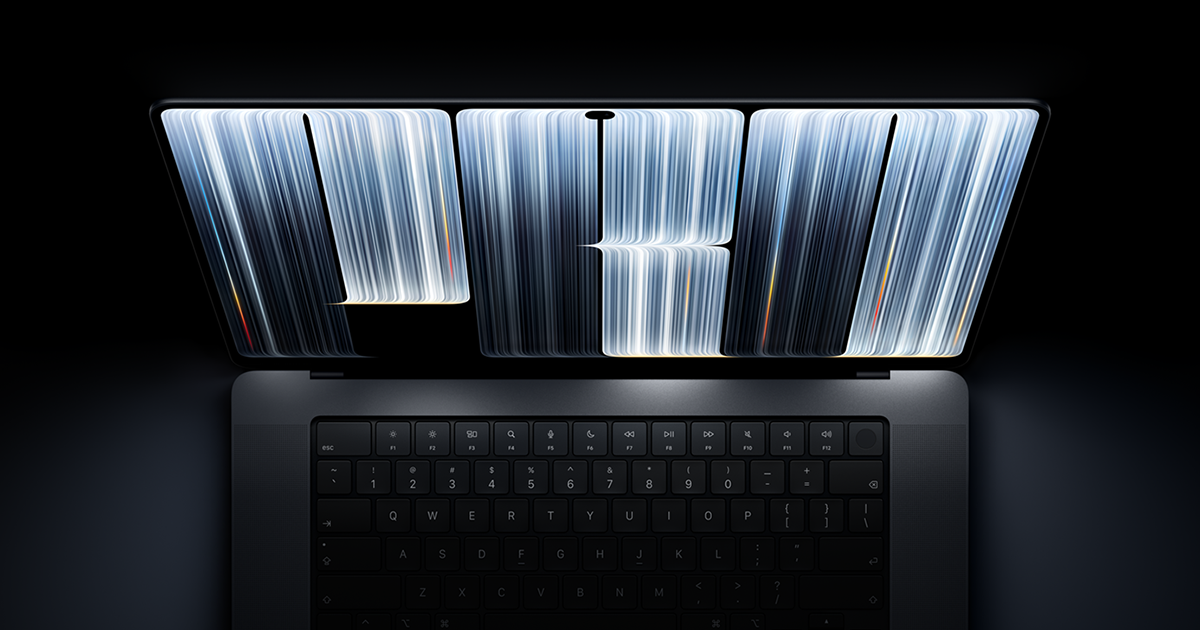
Apple’s November 5 support page says the glowing Apple logo on the new MacBook Pro with PROLED XDR Display can be switched off, but only through a Terminal command, not a System Settings toggle. The laptop goes on sale today, November 6, so buyers will meet the logo immediately.
Apple’s Logo Dims With the Room, Not Just the Screen
The document, titled About the illuminated Apple logo on MacBook Pro with PROLED XDR Display.
, was reported by Techtimes and quoted by 9to5Mac. Apple says the logo lights whenever the Mac is awake. It dims or brightens with the built-in screen and with the ambient light sensor. At every screen-brightness setting, the logo is dimmer in a dim room and brighter in a bright room.
So the logo doesn’t simply mirror the screen at a fixed ratio. Techtimes notes it also reacts to the room on its own. Kocpc reads the behavior as illumination that stops when the lid closes.

Digitaltrends describes the same behavior in plain terms: the Mac handles it automatically by checking screen brightness and room light, so the logo tones itself down when the lights are low and becomes bolder near a sunny window. Kocpc adds that Apple recognized not every user wants a permanently lit logo, so it built in an off option.
OLED Leaves the Logo Without a Backlight to Borrow
Older MacBooks borrowed light from the LCD backlight. OLED panels make their own light pixel by pixel, so there’s no backlight layer behind the lid to borrow. In his review, 9to5Mac’s Chance Miller wrote that unlike older MacBooks, which used light from the display’s backlight to illuminate the logo, the new OLED MacBook Pro has no backlight to draw from, requiring a different approach.
The glowing Apple logo on the new MacBook Pro is controllable by software. It has 25kHz PWM and per-device calibration. CoreBrightness controls the relationship between screen and logo brightness. The brightness of the logo is adjusted differently depending on the enclosure color pic.twitter.com/baqBEkzJUo
Developer Guilherme Rambo posted on X on November 4, 2026 that the logo is controlled by software. He cited 25kHz PWM and per-device calibration, said a system called CoreBrightness governs the relationship between screen and logo brightness, and said the logo’s brightness varies with enclosure color.
Hands-on footage points the same way. Judner Aura’s UrAvgConsumer video, cited by MacRumors on October 28, showed the logo brightening and dimming with the display. Tech journalist Rich DeMuro’s footage, per Techtimes, led to the inference that a separate light source sits behind the lid.
Numerama’s Nicolas Lellouche, in an October 29 launch hands-on, also said the logo can be switched off and that its brightness follows the display even though the lighting circuits are separate. The hands-on did not show the switch or give its menu location.

Turning the Logo Off Takes a Terminal Command
Terminal is the Mac’s command-line app, found in Utilities or through Spotlight. Apple’s steps, as 9to5Mac and Kocpc give them, require the administrator password:
- To turn the logo off:
sudo defaults write com.apple. CoreBrightness LEBacklightMode -int 0 - To bring it back:
sudo defaults delete com.apple. CoreBrightness LEBacklightMode
Digitaltrends reports the logo goes dark instantly and that the change covers every account on the Mac, not just the one that ran the command. Digitaltrends and Techtimes both say the setting carries over if data is migrated to a new Mac. A fresh macOS install reverses it, so the glow returns.
Kocpc’s headline describes the process as “one click.” Every source shows a typed command instead. Digitaltrends adds that Terminal hides the password as you type, so it may look as though nothing is happening.
The Lit Logo Returns After Nearly a Decade
Appleosophy dates the removal to the 12-inch MacBook in March 2015, followed by the 2016 Touch Bar MacBook Pro and the 2018 MacBook Air. Techtimes says the new logo is exclusive to the PROLED model. MacRumors notes Apple never publicly explained why it removed the logo.
Apple announced the 14-inch and 16-inch models on October 28, 2026, with M5 Pro or M5 Max chips. MacRumors lists pricing from $2,899 for the 14-inch and $3,399 for the 16-inch.
Shoppers should not confuse the new body with the M6 MacBook Pro announced the same week, which keeps Liquid Retina XDR, according to WannabeShepherd.
Switched off or closed, the logo isn’t a blank cutout. Miller wrote that when the MacBook Pro is closed, the logo looks like polished metal, just like it has since the 2016 redesign.
Apple has still not said why it removed the lit logo in the first place, or whether a System Settings toggle will replace the Terminal command.